One Screen, Four Answers: What a Real-Time Hall Dashboard Should Show
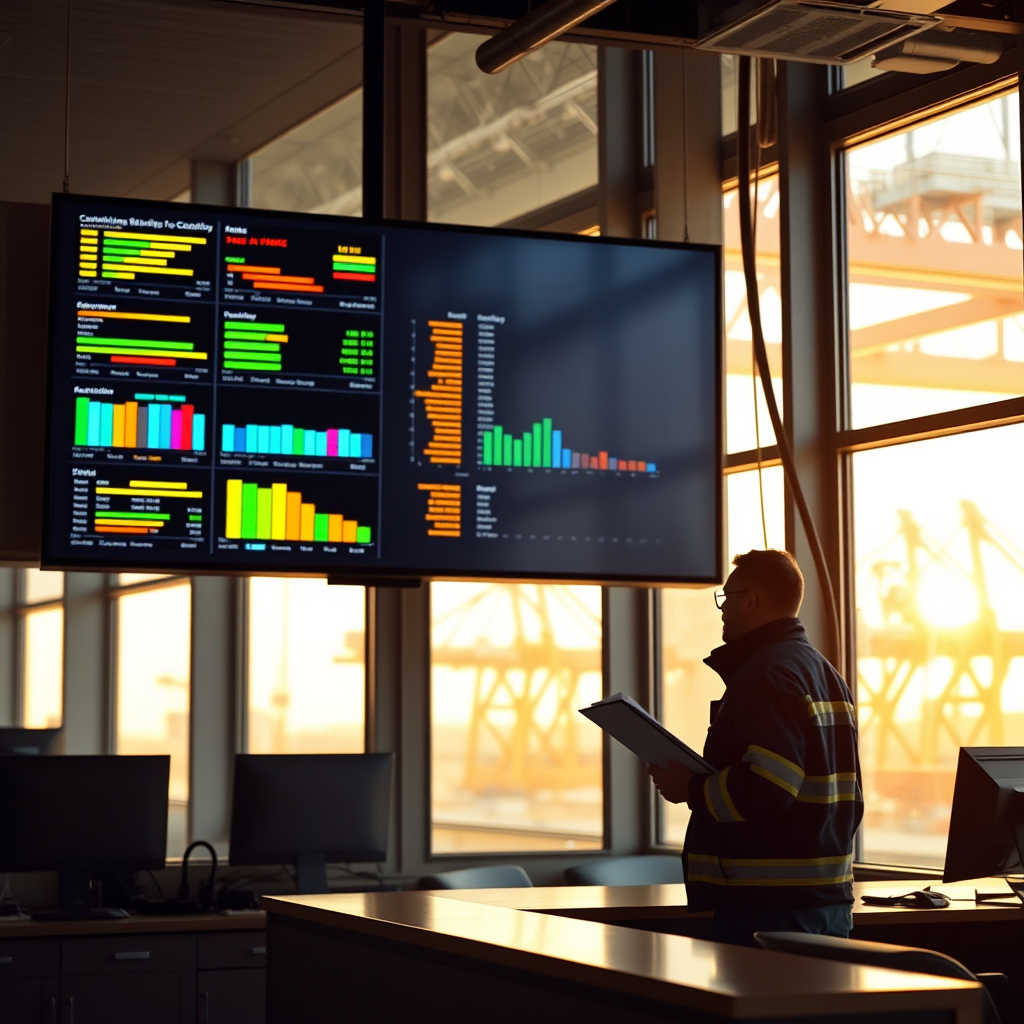
Most mornings at the hall, the same four questions come up before the coffee is finished. Who's been dispatched? Who's checked in? Who's current on dues? And where do we stand on the reconciliation work? Those answers usually live in four different places — a dispatch sheet, a sign-in log, a dues ledger, and a spreadsheet somebody's been building for weeks. A real-time dashboard is just the idea that all four should be visible at once, to the people who need them, without anyone walking down the hall to ask.
That sounds simple. It isn't automatic. A dashboard is only useful if it reflects what actually happened in the hall a minute ago, and only trustworthy if the numbers on it come from the same records the local uses for everything else.
What "Real-Time" Actually Means Here
Real-time doesn't mean flashy. It means that when a dispatcher fills a gang, the dispatch count on the screen changes. When a member checks in at the window, the check-in total moves. When a dues payment posts, that member's status updates everywhere it appears — not just in the dues module.
The practical value shows up in the gap between events. In a paper-and-spreadsheet hall, there's always a lag: the dispatch sheet is current, but the dues list was printed Monday, and the reconciliation tracker gets updated when someone has an hour. Decisions get made in that gap. Somebody gets told they're clear when they aren't, or told there's a problem that was resolved two days ago. A live view closes the gap by removing the copying step entirely.
The Four Panels Worth Having
Every local organizes its day a little differently, so the layout should follow the hall rather than the other way around. But most halls want visibility into the same four areas:
- Dispatch — jobs called, gangs filled, positions still open, and where the rotation currently stands.
- Check-in — who has checked in for the shape-up, who hasn't, and how that compares to the list the dispatcher is working from.
- Dues — members current, members behind, and anyone inside a grace period that's about to run out.
- Reconciliation — which periods have been matched against reported hours, which are still open, and what's been flagged for follow-up.
Four panels, four questions. Anything beyond that tends to be detail that belongs on a report, not on a wall.
Who Should See What
A dashboard is not one screen for everybody. The dispatcher needs the dispatch and check-in view in front of them constantly, with enough detail to fill the next gang by seniority and certification. A business agent walking in between meetings wants the summary — are we on track, is anything flagged. An officer preparing for a meeting wants the trend over the week, not the last ten minutes.
And members have their own version of this question. They don't need the hall's operating view, but they do need to know their own standing: hours credited, dues status, seniority position, whether anything is open against their record. When the hall's dashboard and the member's view draw from the same records, the conversation at the window gets a lot shorter.
Role-based visibility also protects the record. Not everyone should be able to change what they can see. Member-record changes still go through review and approval; the dashboard shows status, it doesn't become a side door around the approval process.
Where Dashboards Go Wrong
The most common failure is a dashboard that nobody trusts. That happens when the numbers on screen are assembled from a separate export rather than from live records, so they drift. Once staff learn to double-check the screen against the real file, the screen has stopped saving anyone time.
The second failure is clutter. A screen with thirty metrics communicates less than a screen with four. If a number doesn't change a decision somebody makes that day, it belongs in the weekly report.
The third is a dashboard built around somebody else's hall. Seniority structures, call-back rules, grace period terms and check-in procedures differ from local to local, and they differ for reasons that were negotiated or decided over years. A dashboard that assumes one standard process will show numbers that technically add up and practically mean nothing. DockOps is set up around how each local already runs its hall — the categories, the rotation rules, the dues cycle — so what shows on screen matches what the hall actually does.
The Quiet Benefit: Fewer Surprises
The real payoff isn't speed. It's that problems get smaller. A dues shortfall caught the week it happens is a phone call. The same shortfall found at the end of a contract year is a standing problem with months of history behind it. An open reconciliation period visible on a screen gets closed; one buried in a folder waits.
A dashboard doesn't do the work. It makes it obvious what work is left — which, on a busy hall day, is most of the battle.
See how DockOps would fit your local — book a demo at dockops.app/book.
— The DockOps Team