The Hall Dashboard: Seeing Dispatch, Check-In and Dues at a Glance
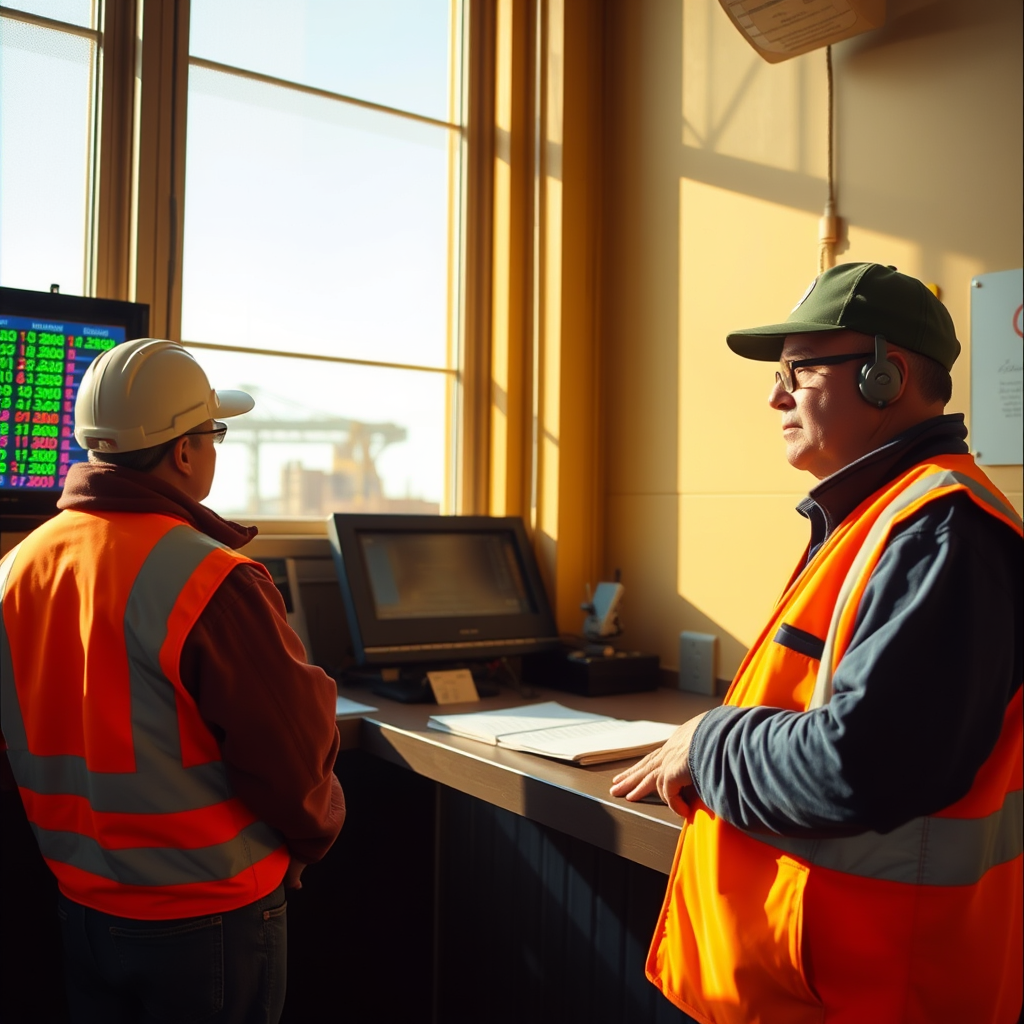
Most halls already have the information they need. The trouble is where it lives. Dispatch order is in one place, the check-in sheet is in another, dues status sits with whoever handles the books, and reconciliation questions pile up in a folder until somebody has time. By the time the pieces come together, the day is over and the problem has already cost a member a turn or left a payment unresolved.
A real-time dashboard is not a fancy add-on. It is the answer to a plain question hall staff ask all day: what is the state of things right now?
What a Dashboard Is Actually For
The point is not to look at charts. The point is to shorten the distance between a problem happening and somebody noticing it.
If a member's dues status would affect their standing for dispatch, the dispatcher should see that before the gang is filled, not when the member comes to the window asking why they were passed. If a required certification has lapsed, that should surface while there is still time to fill the slot correctly. If check-in totals do not match the number of members on the floor, somebody should catch it that morning.
None of that requires new information. It requires the information to be in one view, updating as the day moves.
What Belongs on the Screen
Every local runs its hall a little differently, so the right dashboard shows what that local actually uses to make decisions. In general, the useful pieces are:
- Dispatch status — jobs called, gangs filled, slots still open, and where the list currently stands
- Check-in — who has checked in today, who has not, and anything flagged for review
- Dues status — accounts in good standing, accounts short or missed, and anyone inside a grace period
- Pending approvals — member record changes waiting on review
- Reconciliation status — what has been matched against employer reporting and what is still outstanding
That is enough to run a day. Anything beyond it should earn its place.
Morning: The Dispatch View
Before shape-up, the dashboard should answer three things quickly: who is available, what order they fall in, and what the jobs require. Seniority order and certification requirements are not separate lookups — they are part of the same picture.
When a dispatcher can see a member's standing, seniority position and certifications together, the call goes faster and the record of why it went that way is automatic. That matters later, when somebody asks a fair question about the rotation and the hall needs to answer it from the record instead of from memory.
Midday: Catching the Small Stuff
The middle of the day is where flags earn their keep. A dues payment that came in short, a certification expiring at the end of the month, a member record change submitted but not yet approved — none of these are emergencies. All of them become emergencies if they sit for six weeks.
A dashboard that surfaces these as a short, working list gives hall staff something they can actually clear. Five minutes between calls is enough to resolve two or three items. The alternative is a quarterly cleanup that takes days and still misses things.
End of Day and End of Week
At closing, the dashboard should make it obvious whether the day is complete: check-in reconciled, dispatch records closed out, exceptions noted. A week that closes clean every day is a week that does not need to be reconstructed later.
The same view carries reconciliation status. Comparing what was worked against what employers reported is ongoing work, and it only moves forward if somebody can see where it stands. Knowing which periods have been matched, which are in progress and which have open questions keeps the effort from stalling out — and it keeps dues-payment issues from hiding inside unreviewed periods.
Officers and Business Agents See It Too
A dispatcher needs today. An officer or business agent usually needs the shape of the last few weeks: how the list is rotating, whether dues issues are clustering, how many record changes are pending review.
That is the same data read at a different altitude. When everyone works from one source, the conversation in the officers' meeting starts from agreed facts instead of competing printouts.
Set Up Around Your Hall
There is no single correct dashboard, because there is no single correct hall. Locals differ in how they order their lists, how they handle grace periods, what certifications they track, and who approves what. A dashboard that forces a standard process on a local just creates a second way of doing things alongside the real one.
DockOps is configured to how each local already works. The dashboard shows that local's lists, that local's rules, that local's approval chain — so the screen matches the hall instead of arguing with it.
— The DockOps Team
See how DockOps would fit your local — book a demo at dockops.app/book.