The Line Out the Door Is Optional
Every hall knows the morning rush. Members arriving at once. A line at the window. Names being called, written down, checked against a list. Someone's card isn't where it should be. Someone else is sure they signed in. The clock is ticking toward the shape-up.
It's been that way for so long that it feels like part of the job.
It doesn't have to be.
Waiting isn't work
A member who spends part of every morning in line isn't doing anything productive. Neither is the staff member checking names at the window. Multiply that across a full roster and a full year, and it adds up to a lot of time spent proving people showed up instead of getting them to work.
Worse, manual check-in is where small errors start. A name written down wrong. A check-in that didn't get recorded. A member who was there but doesn't appear on the list. Those small errors can affect dispatch, standing and hours down the line.
The paradigm shift is simple: checking in should take seconds, record itself accurately, and never depend on someone's handwriting.
Tap and go with member cards
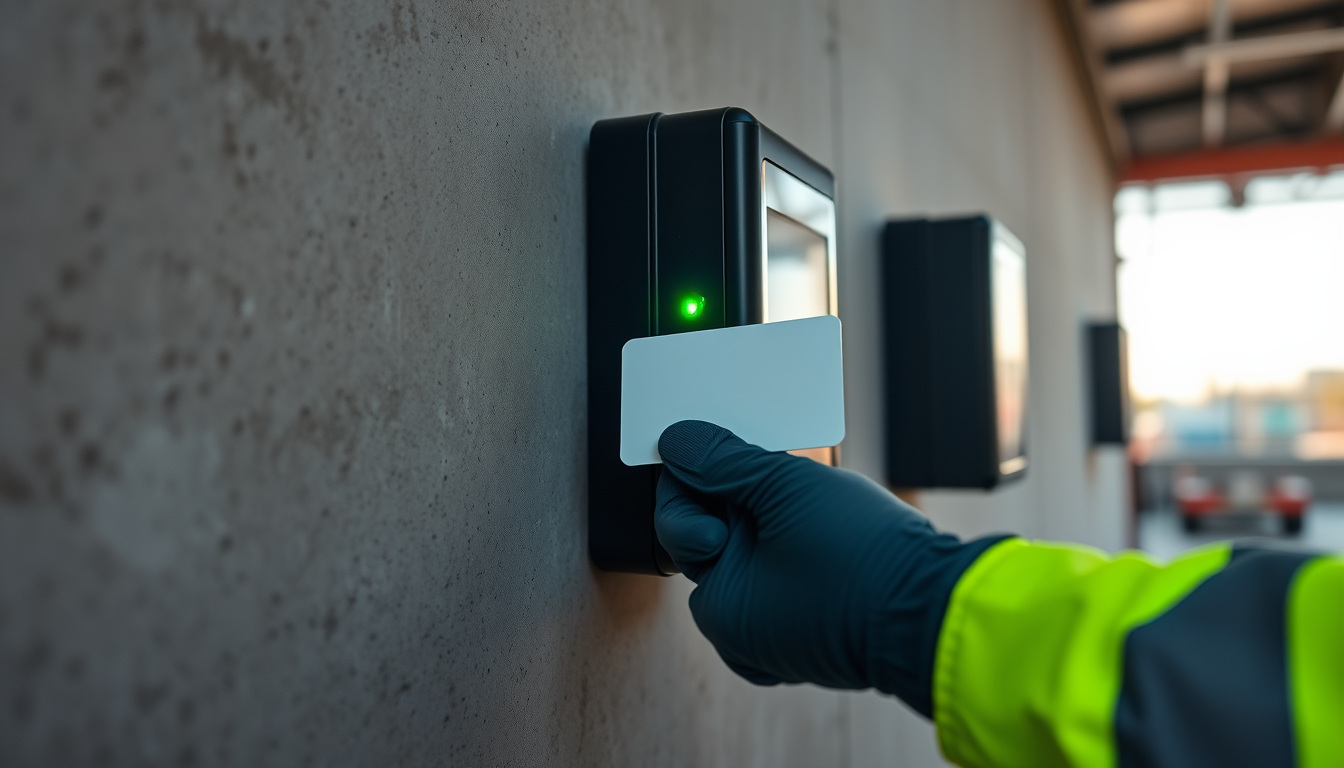
DockOps supports badge-based check-in with member cards. A member walks up to a tap station, taps their card, and they're checked in, with a timestamp, against the local's own rules.
That one tap does a lot of work behind the scenes. DockOps knows who the member is, checks their status, applies membership windows and casual access rules, and records the check-in. Where a gang requires a certification, members without a valid, active credential are blocked from checking in to it automatically, so problems are caught at the tap, not at the berth.
Tap stations can work like simple kiosks in the hall: a screen and a card reader that do one job well. No line at the window, no paper sign-in sheet, no guessing.
Or check in from the phone
Not every member needs to be at the hall to check in. In DockOps, members check in and check off from the dock through the iOS and Android apps. The same rules apply: membership windows, access rules and certification requirements.
Members sign in with credentials their local issues, using SMS-based authentication or biometric sign-in on devices that support it, so nobody is typing a password on the dock every shift.
Nobody gets left out
Technology should make things easier for everyone, not just the members who are comfortable with apps. That's why DockOps keeps a human path open.
For members who can't check themselves in, such as an authorized call-in, a dispatcher can check them in on their behalf. That capability is access-controlled, so only the roles your local grants it to can use it, and the action is recorded.
Members who prefer not to use the app don't lose their place. Cards, tap stations, the hall board and on-behalf check-in all work together.
Validation at the job site
Check-in doesn't stop at the hall door. DockOps supports job-site validation via badge scan, so a member's presence at the job can be confirmed and tied to the work order. When the work order is finalized, the timesheet fills in from that recorded activity.
That's the connection that matters most: the same tap that checked a member in becomes part of the record of what they worked. Accurate check-in at the start of the day is what makes accurate hours possible at the end of it.
The board on the wall
While members are tapping in, the hall display boards show what's happening. The DockOps flow board can run on screens in the union hall, showing vessels, gangs and live counts of positions needed, filled and remaining, with seniority at a glance.
Members can see the gangs fill in seniority order without asking anyone. The questions that used to create a crowd at the window ("Am I on? Where am I? Who's next?") are answered on the wall and on their phones.
What it means for the office
For hall staff, the change is immediate. Instead of managing a line and transcribing names, they're handling the exceptions that actually need a person. Check-ins are recorded automatically. Ineligible check-ins are blocked by the system, not by an awkward conversation. And everything is in the audit log if a question ever comes up.
What it means for members
For members, it's a better morning. Less standing around. Less uncertainty. A clear record that they were there, on time, ready to work. And a sense that their local respects their time.
That's part of making members' lives better: not grand gestures, but taking friction out of the things they do every single day.
Fitted to your hall
Every hall is laid out differently and runs its morning differently. DockOps is configured around how your local works: where tap stations make sense, how check-in windows are set, which members use cards, phones or both, and what the hall boards show.
DockOps doesn't replace anyone on the dock. It replaces the clipboard, the sign-in sheet and the line out the door.
See tap-to-check-in and hall display boards in action. Book a demo at dockops.app/book.
— The DockOps Team