The Board Asked. The Answer Was Already on Screen.
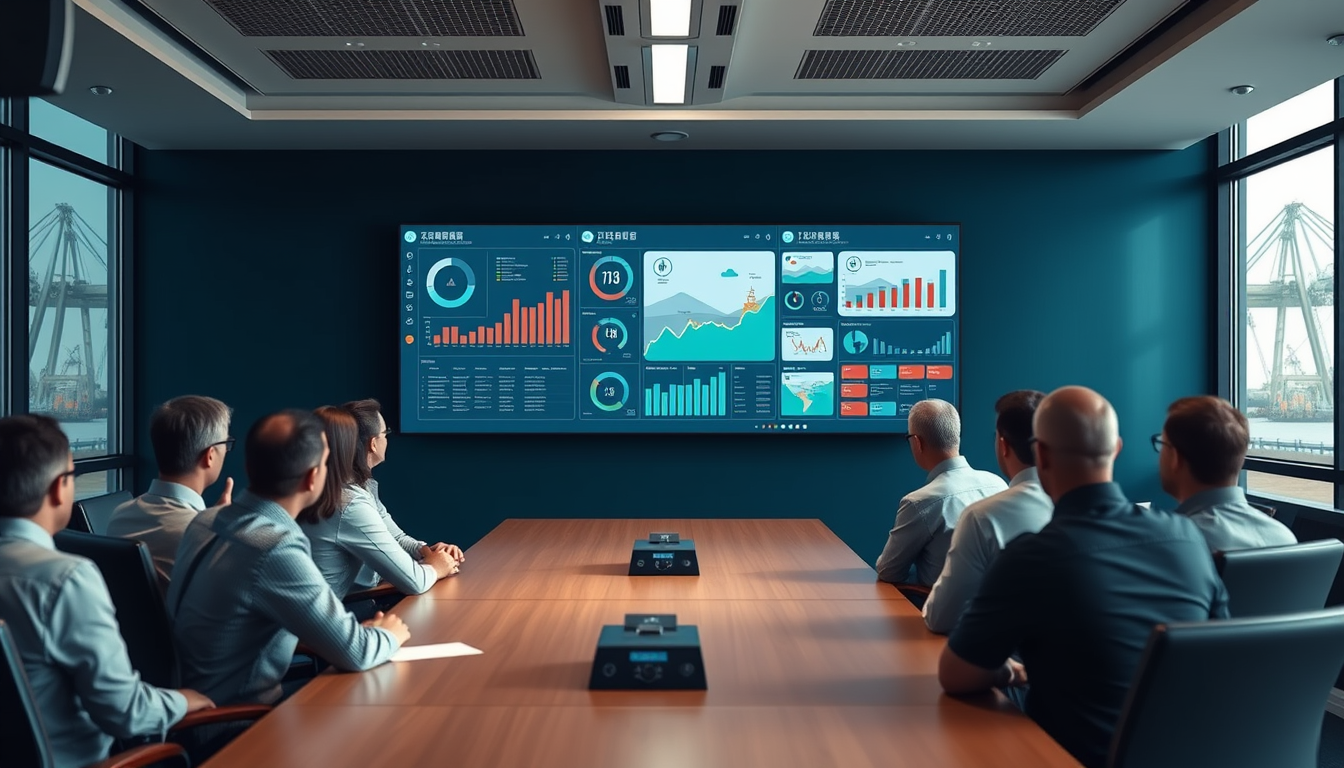
It's the monthly board meeting. Someone asks a simple question.
How many members checked in this morning? Which work orders are still open? How did dispatch go on that vessel last week?
Then comes the pause. Someone says they'll find out. Maybe it's an hour of digging after the meeting. Maybe it's a week. Maybe the question gets lost in the shuffle and nobody ever answers it.
Now imagine the same moment, except the answer is already on screen.
The cost of slow answers
Slow answers aren't just inconvenient. They change how a local is run.
When it takes effort to find out what's happening, leaders stop asking. Decisions get made on instinct and anecdote instead of facts. Small problems stay invisible until they become big ones. And officers spend their time chasing information instead of acting on it.
The traditional setup, with information scattered across a dispatch log, a dues spreadsheet, a timekeeper's file and somebody's memory, practically guarantees slow answers. Nobody has the whole picture because the whole picture doesn't exist in one place.
One real-time view of the local
DockOps brings that picture together. The real-time dashboard shows active work orders, recent check-in and check-off activity, vessels, terminals and worker counts, all live.
And it isn't just a summary. Leaders can drill down into gang and member detail. A number on the dashboard isn't a dead end; it's a door. Click through to see which gang, which members, which work order.
Because DockOps runs dispatch, timesheets, member records and dues in one connected system, the dashboard isn't stitched together from separate reports. It's reading from the same records the hall uses every day.
What changes when leadership can see
When officers have real-time visibility, the whole posture of leadership shifts from reactive to proactive.
Board meetings get shorter and better. Questions get answered in the room. Time goes to decisions instead of status updates.
Problems surface early. An open work order that should have been finalized, a gang that's short, a check-in pattern that looks off: these show up while they can still be addressed today.
Officers speak with confidence. When a member, a district representative or anyone else asks how things are going, the answer comes with facts.
The secretary-treasurer stays ahead. Real-time activity combined with weekly closing reports means the books never drift far from reality.
Bring the dashboard into the hall
Visibility isn't only for leadership. Some of the most powerful transparency in DockOps happens on the wall.
The DockOps flow board, the live status board for the day, can be shown on display screens in the union hall. It shows vessels, gangs, job codes and member status, with live counts of positions needed, filled and remaining, seniority at a glance and certification abbreviations against each member.
Members standing in the hall can watch gangs fill in seniority order in real time. That's not just a convenience. It's a statement about how the local operates: openly, by the rules, where everyone can see.
A read-only hall display shows the process without exposing anything that shouldn't be exposed. Access to the full system is still controlled by role.
The same view on every device
The flow board and real-time data aren't tied to one screen. DockOps runs as a full web application for leadership and administration, and as native iOS and Android apps for members, headers and dispatchers, all working from the same records rather than a synced copy.
A president can check the day from a phone. A dispatcher can manage gangs from a tablet at the berth. A member can see the flow board from home. Everyone is looking at the same truth.
Visibility with control
Real-time visibility doesn't mean everyone sees everything. In DockOps, permissions are set per module and per action. Your local decides who can see the dashboard, who can drill into member detail, and who can export. Status board access, audit logs, dues and timesheets can each be granted independently.
That way, leadership gets the full picture, staff get what their jobs require, and members see what's appropriate for them.
Customized to what your local tracks
Every local cares about slightly different things. The vessels and terminals in your port, your gang structures, your job codes, your member categories: DockOps is configured around how your local works, so the dashboard reflects your operation rather than a generic template.
The shift
The old way: the board asks, someone digs, and the answer arrives late, if at all.
The new way: the board asks, and the answer is already on screen, backed by the same records the hall runs on every day.
That's what it means for a local to be in control. Not just owning its records, but being able to see them clearly, instantly, whenever it matters.
Bring your board, your dispatcher and your secretary-treasurer. Book a demo at dockops.app/book.
— The DockOps Team